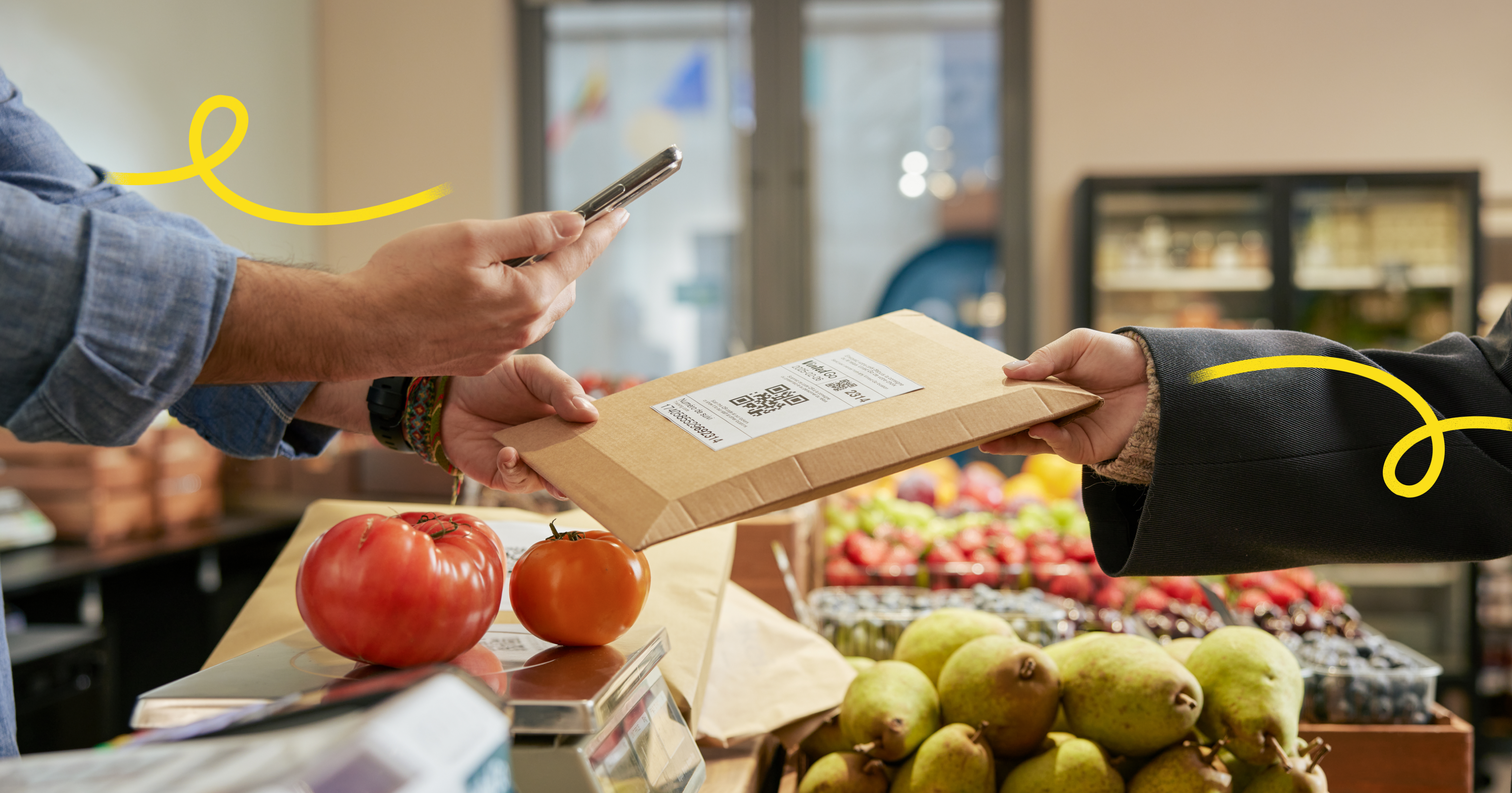
Parcels from partner carriers
For some deliveries, our Vinted Go network collaborates with partner carriers.
01
UPS
UPS drivers will deliver individual parcels to your shop.
There’s currently no fixed delivery schedule, but UPS drivers will arrive during your shop’s opening hours.
When a UPS driver arrives at your shop:
1a
UPS Driver deliveries
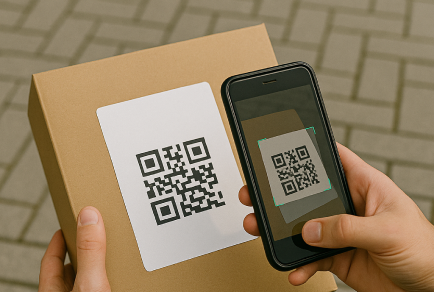
Scan all parcels
Scan each parcel as soon as the driver hands it to you.
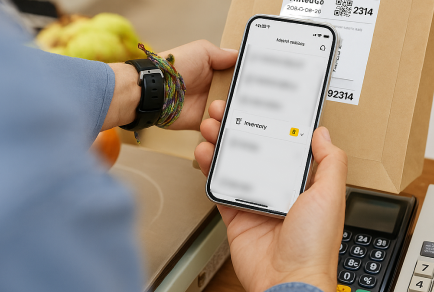
Use your app as usual
Your app handles UPS parcels, just proceed as you normally would.
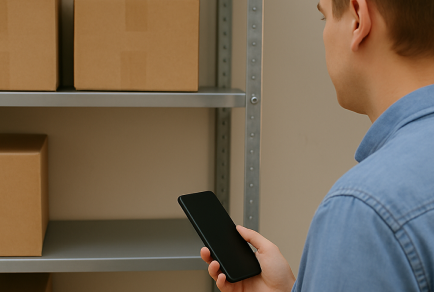
Keep parcels in your shop
Store UPS parcels using your preferred sorting method. Use designated zones for better organization.
1b
Driver pick-ups
UPS drivers currently don’t collect parcels from shops. No action needed.
2a
Customer drop-offs
UPS customers sending parcels will visit your shop to drop off their UPS shipments.
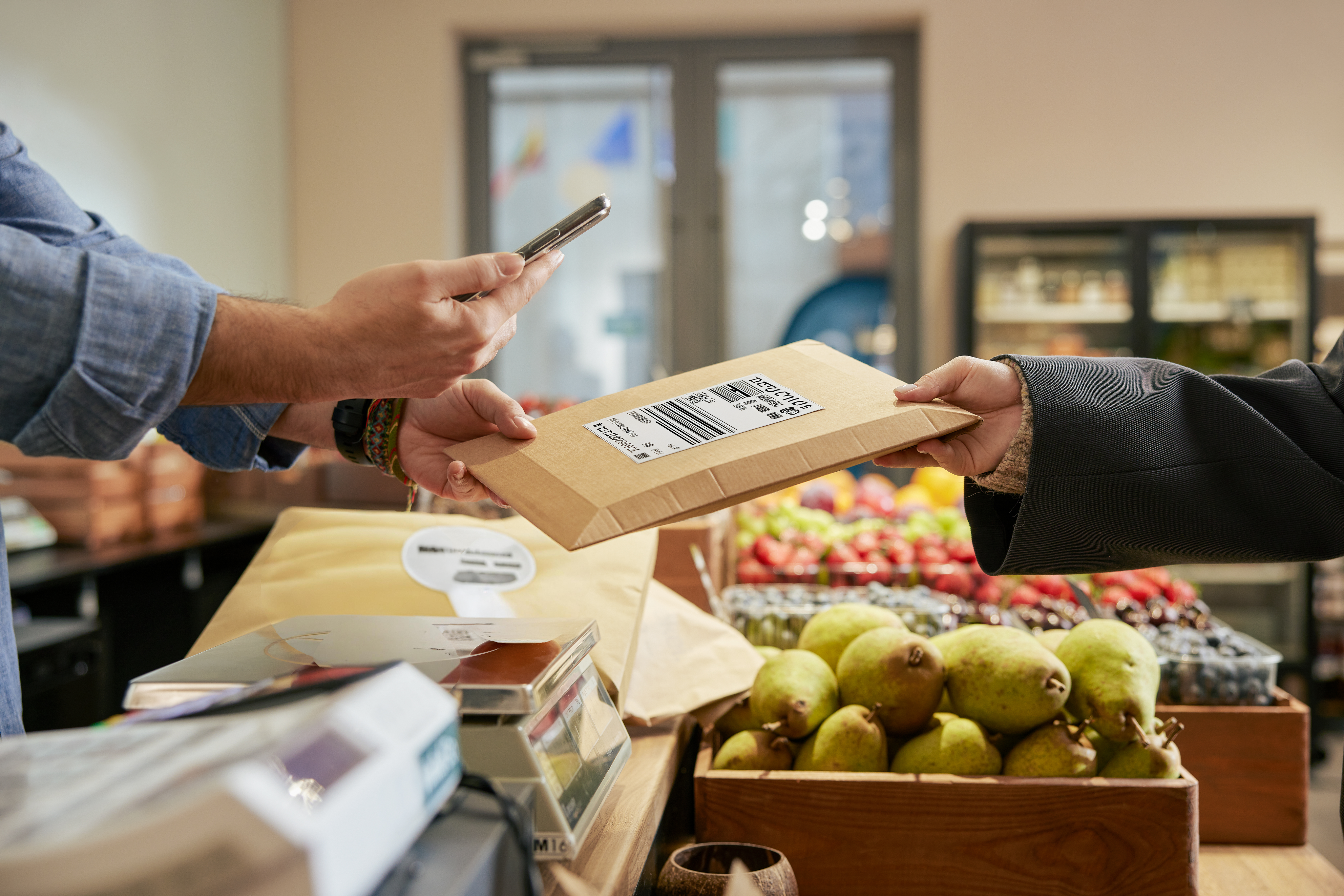
Scan the printed UPS label
Ensure the label is securely attached to the parcel.
If a parcel doesn’t have a printed UPS label, do not accept it.
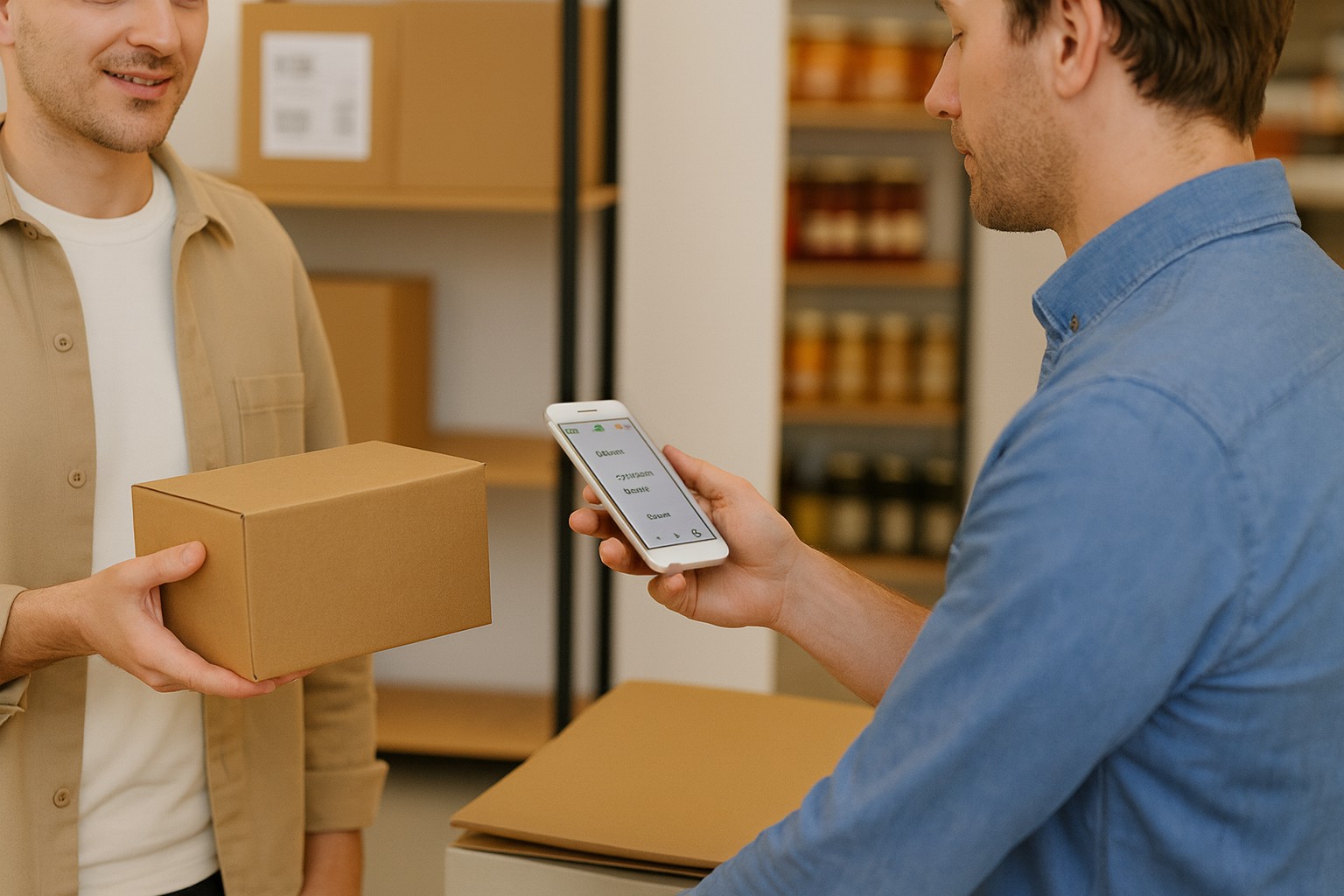
Shipment receipt
If the sender requests a shipment receipt, the app will ask for their email address or phone number to be able to send it.
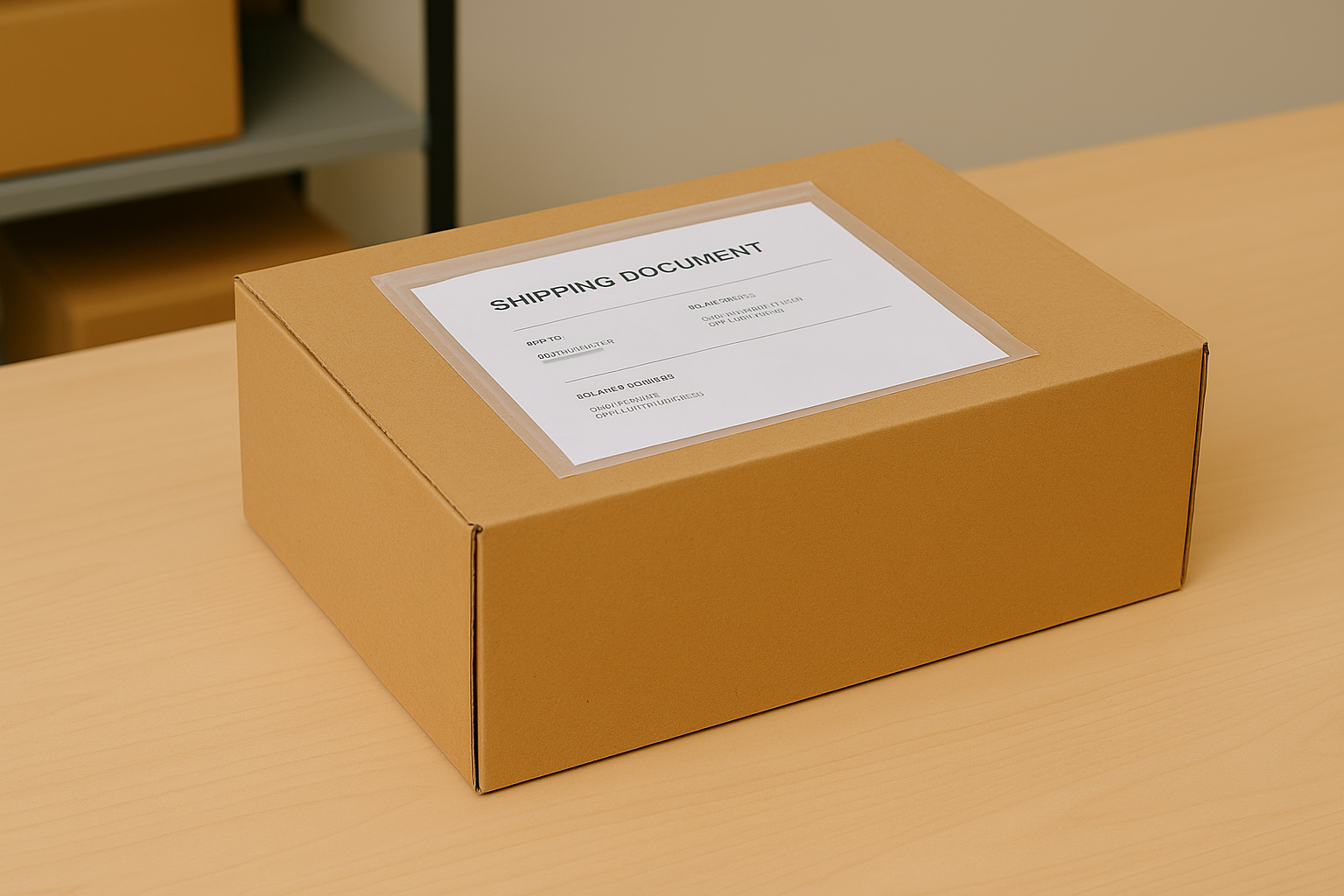
Commercial Invoice
Some UPS parcels require extra documentation.
Follow the instructions in the app to make sure you can accept these parcels.
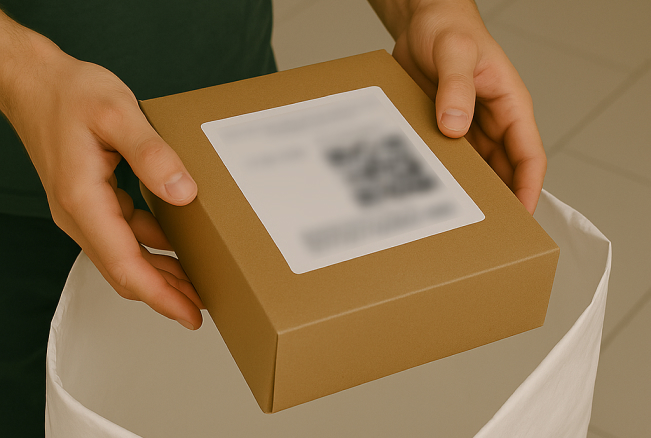
Put the parcel in your current bag
Keep adding UPS parcels to your existing Vinted Go bag for the driver there’s no need to use a separate one.
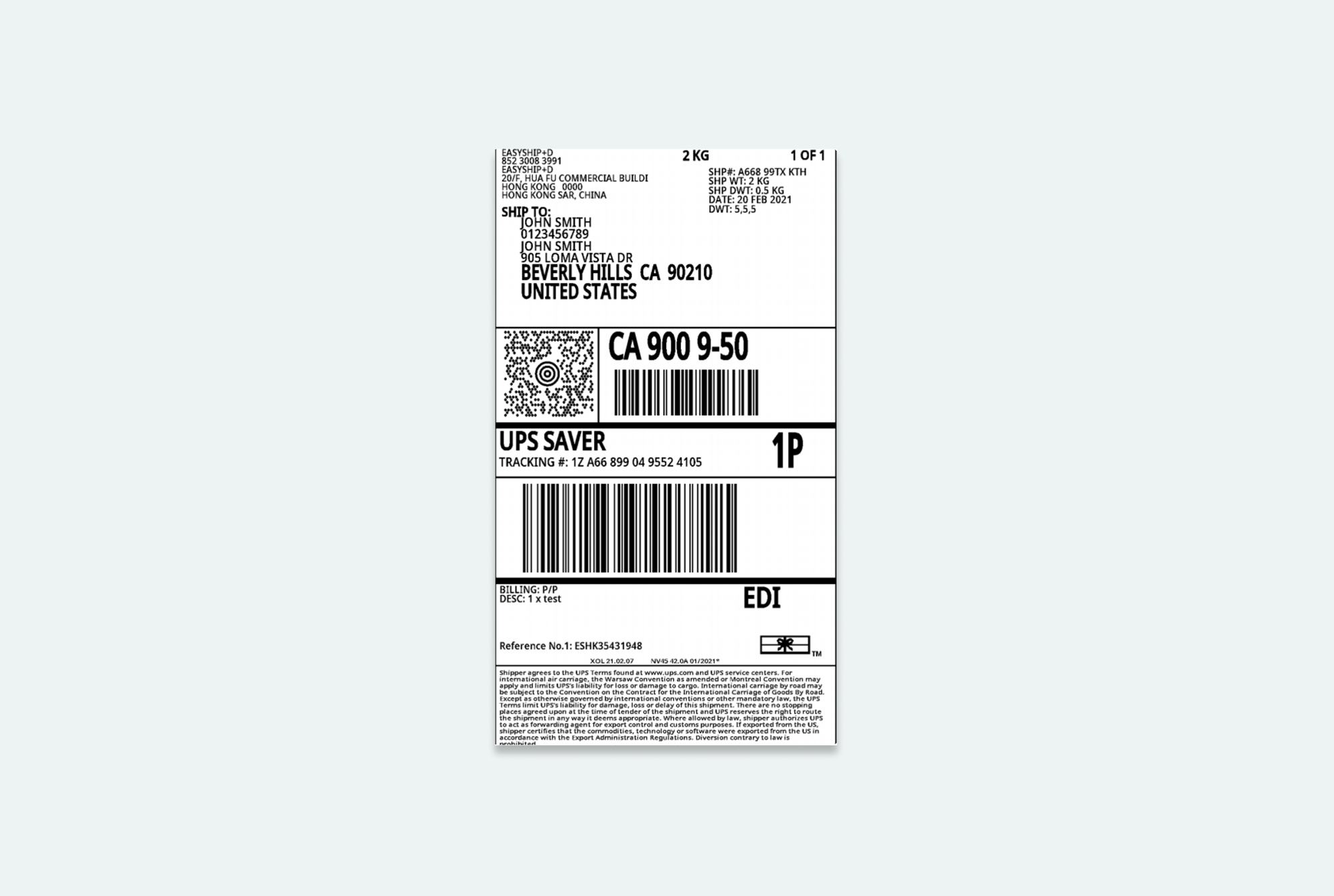
UPS Label example
2b
Customer pick-ups
Customers collecting parcels may have a pick-up code for you to scan or enter, or they may show their ID.
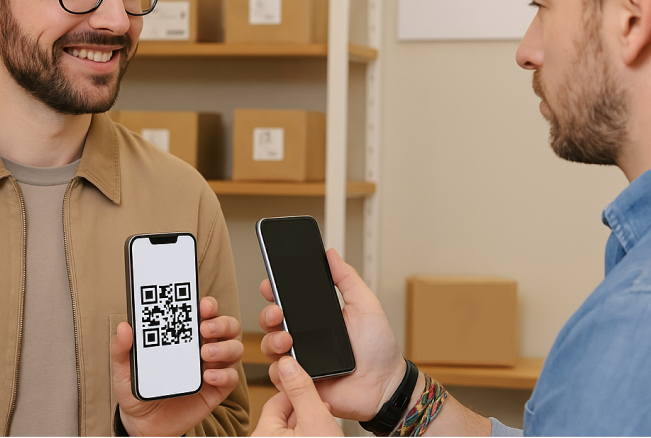
Identify the parcel
Scan the customer’s pick-up code to see the parcel they’re collecting. If you can’t scan the code, enter the pick-up code or recipient name instead.
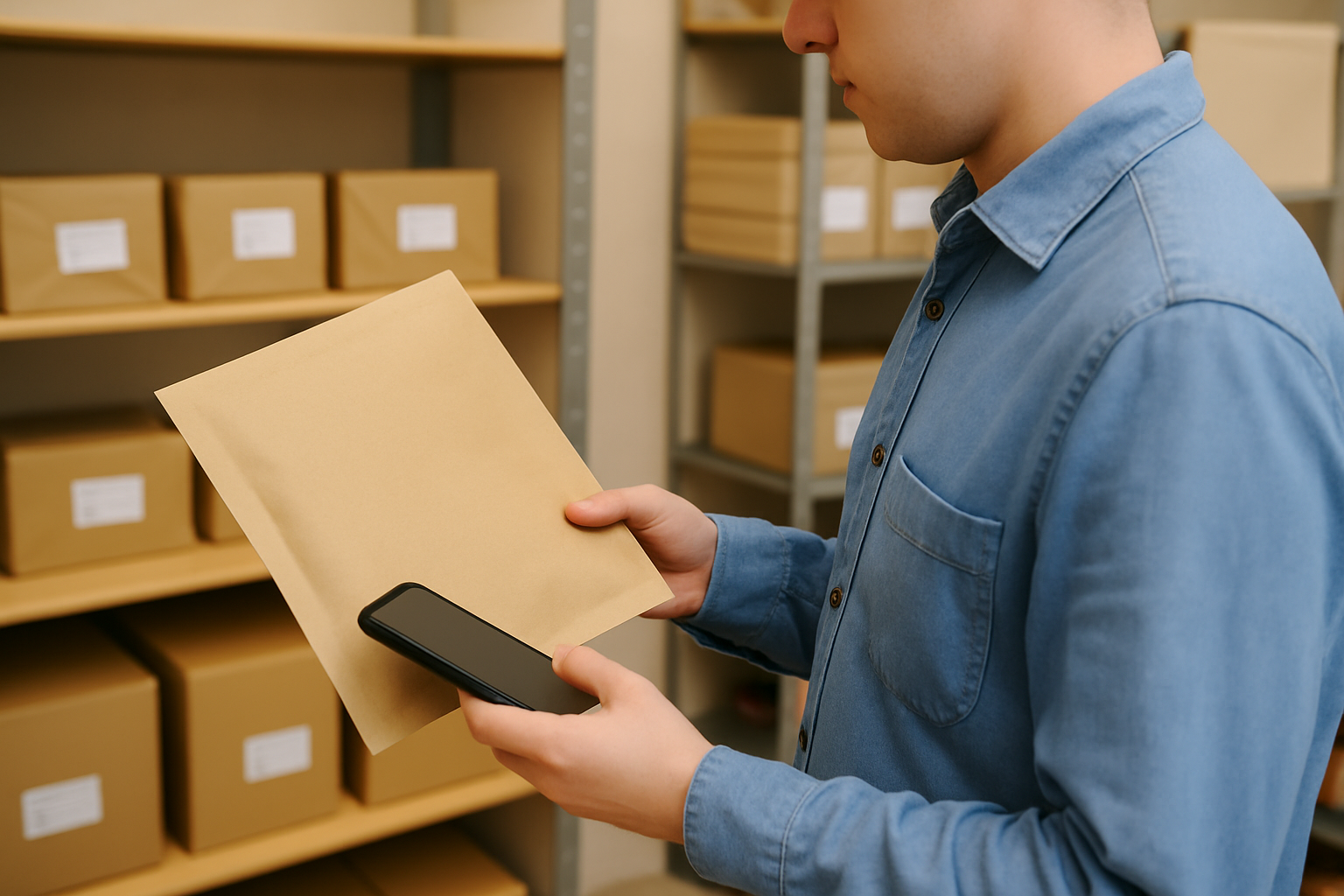
Find the parcel
Our app will list all parcels waiting for the same recipient after a single scan, so you can find them in the same trip.
👉 Release code
Some UPS parcels require two codes for pick-up:
- A Vinted Go QR code or PIN
- An additional PIN code set by the sender
The app will notify you if a second code is needed. Customers have three attempts to enter the correct code. After three failed attempts, the parcel will be temporarily blocked.
If the parcel is blocked, please advice the UPS recipient to contact UPS customer support
⏰ Expired parcels
Expired UPS parcels are handled exactly like expired Vinted Go parcels. Make sure to put all expired parcels in your driver’s bag
Parcels from partner carriers
For some deliveries, our Vinted Go network collaborates with partner carriers.
01
UPS
UPS drivers will deliver individual parcels to your shop.
There’s currently no fixed delivery schedule, but UPS drivers will arrive during your shop’s opening hours.
When a UPS driver arrives at your shop:
1a
UPS Driver deliveries
Scan all parcels
Scan each parcel as soon as the driver hands it to you.
Use your app as usual
Your app handles UPS parcels, just proceed as you normally would.
Keep parcels in your shop
Store UPS parcels using your preferred sorting method. Use designated zones for better organization.
1b
Driver pick-ups
UPS drivers currently don’t collect parcels from shops. No action needed.
2a
Customer drop-offs
UPS customers sending parcels will visit your shop to drop off their UPS shipments.
Put parcel in bag
Ensure the label is securely attached to the parcel.
If a parcel doesn’t have a printed UPS label, do not accept it.
Shipment receipt
If the sender requests a shipment receipt, the app will ask for their email address or phone number to be able to send it.
Commercial Invoice
Some UPS parcels require extra documentation.
Follow the instructions in the app to make sure you can accept these parcels.
Put the parcel in your current bag
Keep adding UPS parcels to your existing Vinted Go bag for the driver there’s no need to use a separate one.
UPS Label example
2b
Customer pick-ups
Customers collecting parcels may have a pick-up code for you to scan or enter, or they may show their ID.
Identify the parcel
Scan the customer’s pick-up code to see the parcel they’re collecting. If you can’t scan the code, enter the pick-up code or recipient name instead.
Find the parcel
Our app will list all parcels waiting for the same recipient after a single scan, so you can find them in the same trip.
👉 Release code
Some UPS parcels require two codes for pick-up:
- A Vinted Go QR code or PIN
- An additional PIN code set by the sender
The app will notify you if a second code is needed. Customers have three attempts to enter the correct code. After three failed attempts, the parcel will be temporarily blocked.
If the parcel is blocked, please advice the UPS recipient to contact UPS customer support
⏰ Expired parcels
Expired UPS parcels are handled exactly like expired Vinted Go parcels. Make sure to put all expired parcels in your driver’s bag
Parcels from partner carriers
For some deliveries, our Vinted Go network collaborates with partner carriers.
01
UPS
UPS drivers will deliver individual parcels to your shop.
There’s currently no fixed delivery schedule, but UPS drivers will arrive during your shop’s opening hours.
When a UPS driver arrives at your shop:
1a
UPS Driver deliveries
Scan all parcels
Scan each parcel as soon as the driver hands it to you.
Use your app as usual
Your app handles UPS parcels, just proceed as you normally would.
Keep parcels in your shop
Store UPS parcels using your preferred sorting method. Use designated zones for better organization.
1b
Driver pick-ups
UPS drivers currently don’t collect parcels from shops. No action needed.
2a
Customer drop-offs
UPS customers sending parcels will visit your shop to drop off their UPS shipments.
Scan the printed UPS label
Ensure the label is securely attached to the parcel.
If a parcel doesn’t have a printed UPS label, do not accept it.
Shipment receipt
If the sender requests a shipment receipt, the app will ask for their email address or phone number to be able to send it.
Commercial Invoice
Some UPS parcels require extra documentation.
Follow the instructions in the app to make sure you can accept these parcels.
Put the parcel in your current bag
Keep adding UPS parcels to your existing Vinted Go bag for the driver there’s no need to use a separate one.
UPS Label example
2b
Customer pick-ups
Customers collecting parcels may have a pick-up code for you to scan or enter, or they may show their ID.
Identify the parcel
Scan the customer’s pick-up code to see the parcel they’re collecting. If you can’t scan the code, enter the pick-up code or recipient name instead.
Find the parcel
Our app will list all parcels waiting for the same recipient after a single scan, so you can find them in the same trip.
👉 Release code
Some UPS parcels require two codes for pick-up:
- A Vinted Go QR code or PIN
- An additional PIN code set by the sender
The app will notify you if a second code is needed. Customers have three attempts to enter the correct code. After three failed attempts, the parcel will be temporarily blocked.
If the parcel is blocked, please advice the UPS recipient to contact UPS customer support
⏰ Expired parcels
Expired UPS parcels are handled exactly like expired Vinted Go parcels. Make sure to put all expired parcels in your driver’s bag