Working with Vinted Go
Get started as a Vinted Go location and keep up with your daily tasks.
The basics
Follow these guidelines to make sure we can track and pay you for every parcel.
Customer visits
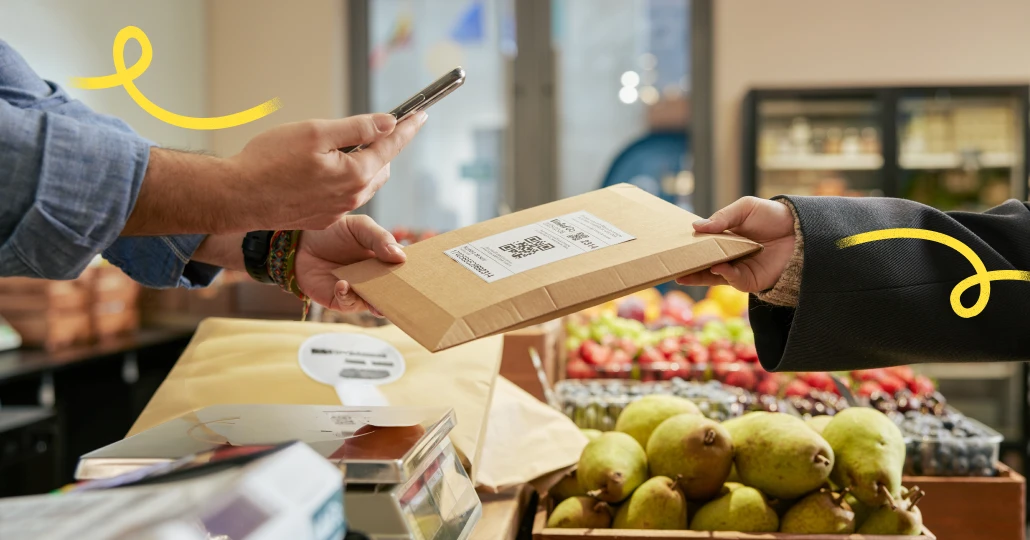
- Scan all parcels immediately after taking them from the sender
- Scan all parcels before handing them to recipients. This is how we track and pay you for each parcel.
Driver visits
- Scan all bags immediately after taking them from the driver
- Scan all parcels in all bags within 48 hours
- Put all parcels waiting for a driver in bags for the next driver who visits
Your availability
- Stick to the opening hours we’ve agreed to in your contract
- Schedule time off in the app before closing your shop for a day or more
Contents
01
Get set up
02
Driver visits
03
Customer visits
04
App features
05
Contact us
01
Get set up
1a
Download the app


1b
Set up your app
- Check for an email from no-reply@vintedgo.com (sent to the email listed in your contract)
- Follow the password instructions
- Open the Vinted Go Shop app
- Log in with your email and newly created password
1c
Activate to get your first parcels
- Once you’re ready to start receiving parcels from customers and drivers, follow the instructions in the app to activate
- After activation, check your opening hours in the app to make sure they’re correct
1d
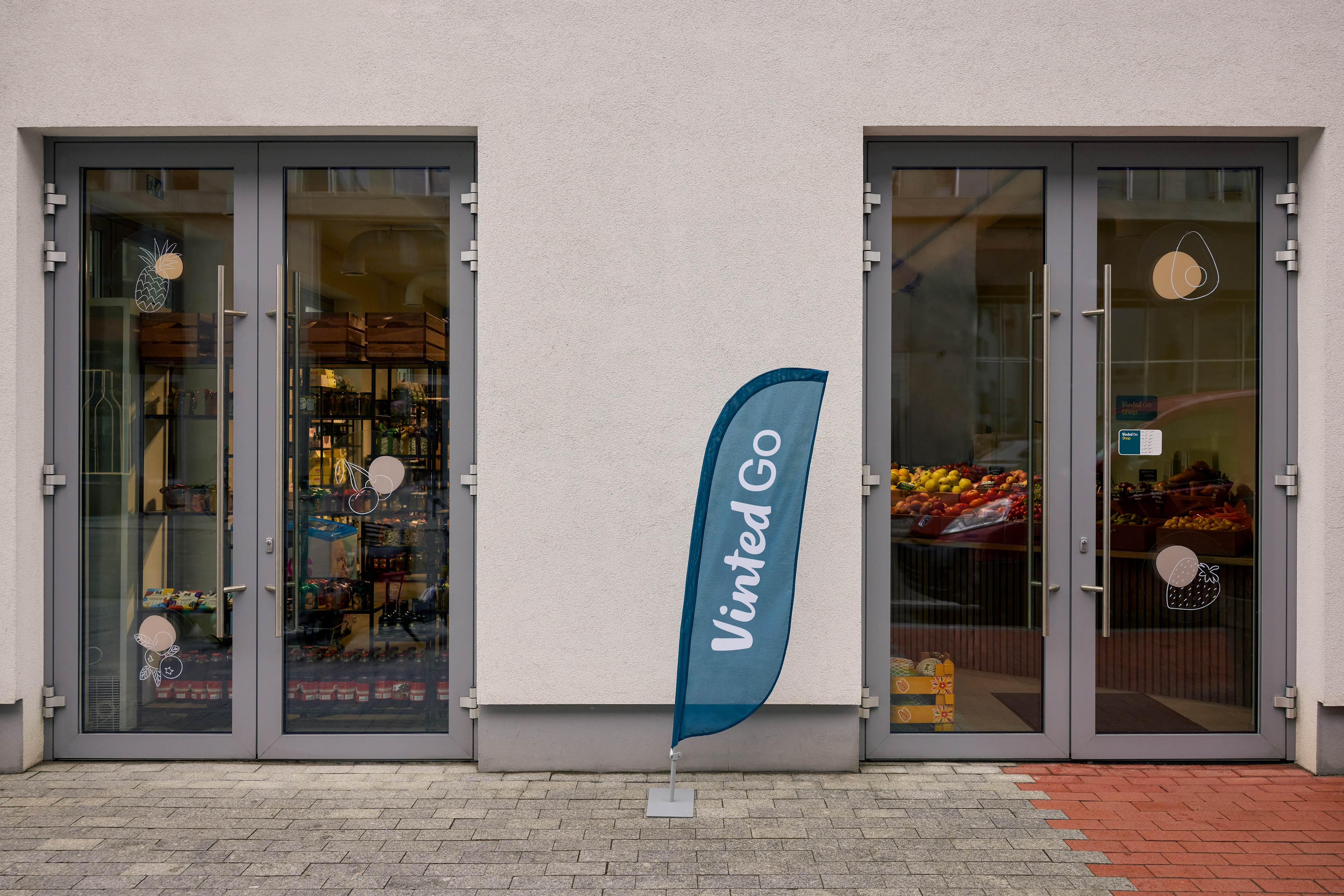
Place the stickers we sent you

Put our logo on your window or door, so customers know they’ve arrived at the right address.
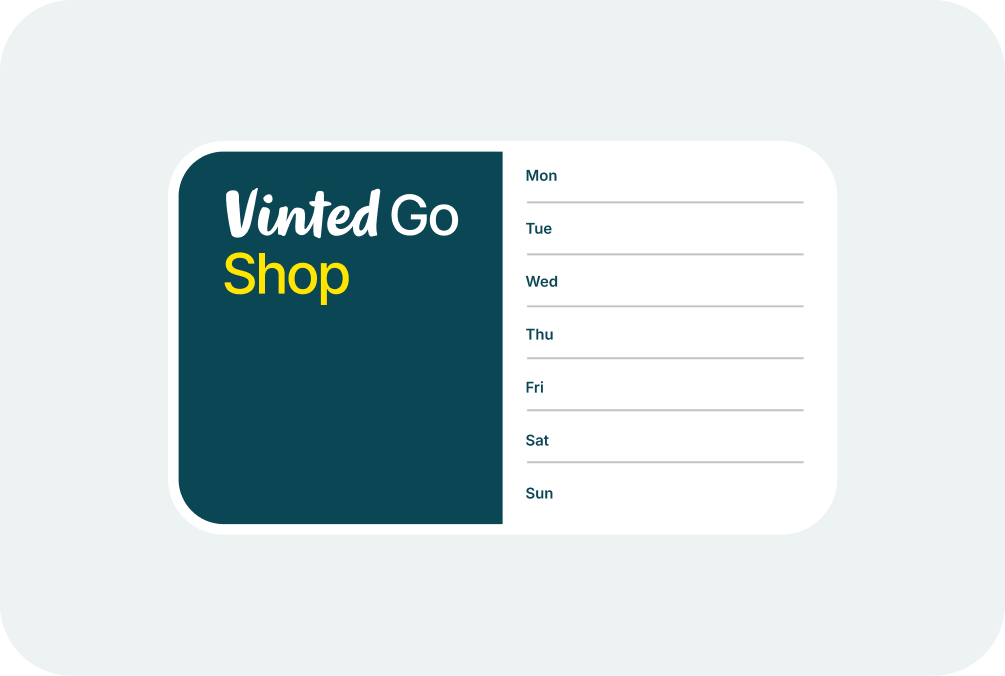
Post your opening hours outside, so customers know when they can send and collect their parcels.
Write your contact information, so customers can reach out if they need help finding you.
Write any additional directions, so customers know where to find you inside the building.
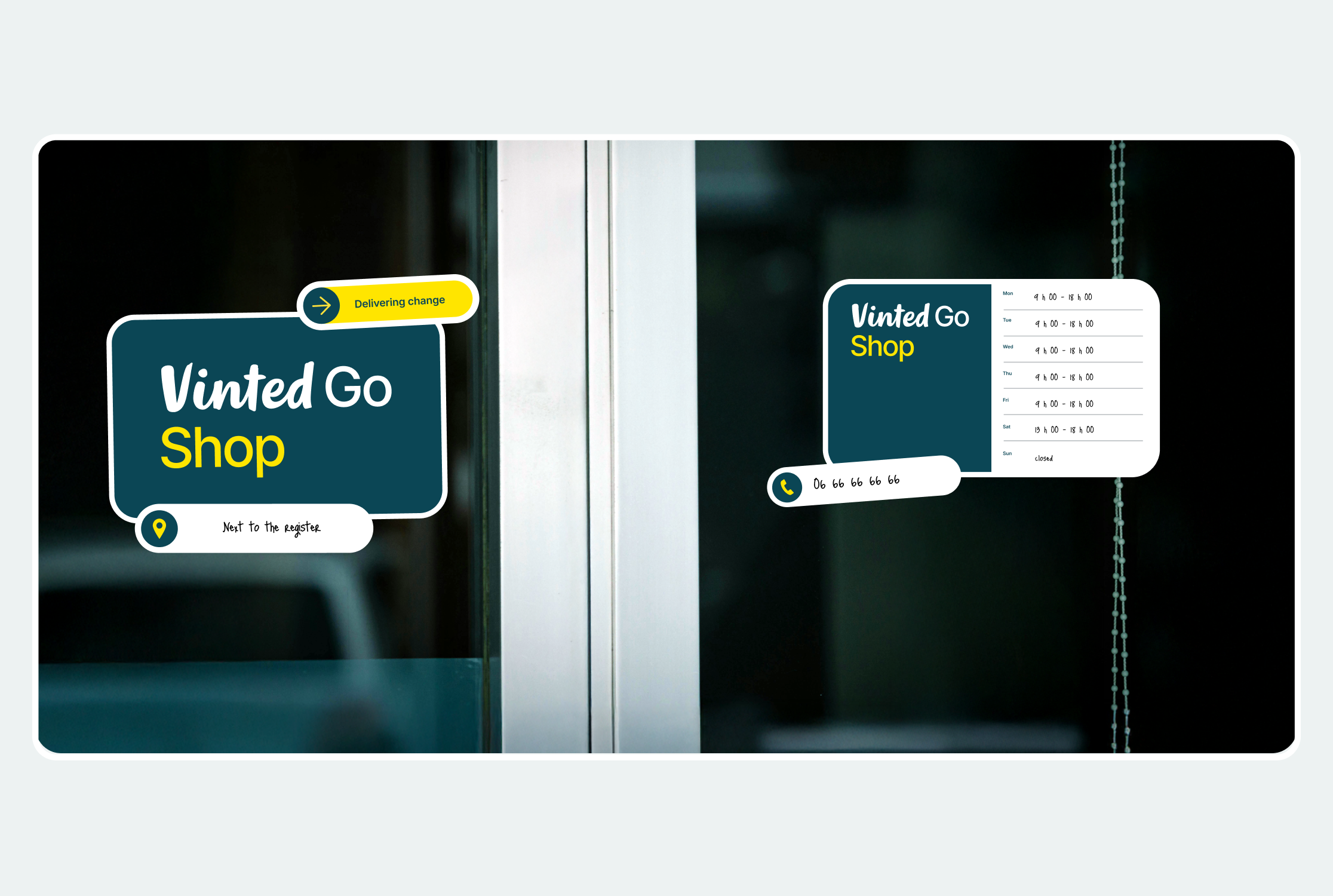
Combine them to suit your space, and help customers find you at the right place and time.
02
Driver visits
Drivers will bring bags of parcels to and from your shop. There is no set schedule at the moment, and the frequency is based on parcel volume.
2a
Driver deliveries
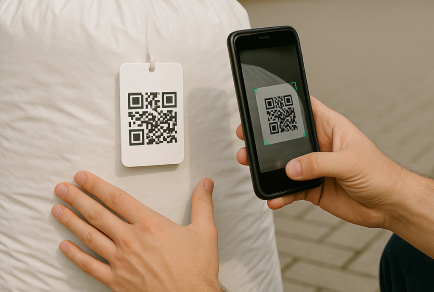
Scan all bags first
Scan bags as soon as the driver delivers them. You have 48 hours to scan the parcels inside before we automatically notify recipients.
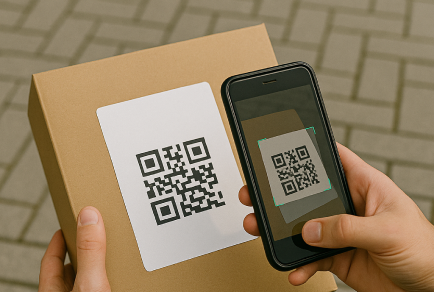
Scan all parcels
Scan each parcel to notify the recipient that it’s ready for pick-up. Assign each parcel to a zone or store it however makes sense for you.
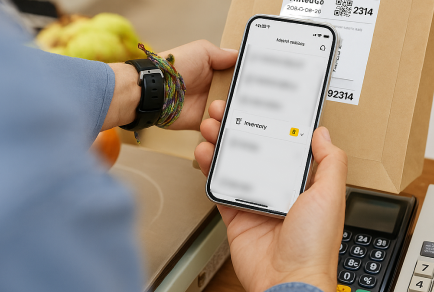
Check your inventory
Check the inventory in your app to see if there are any parcels you still need to scan and prepare for the recipient.
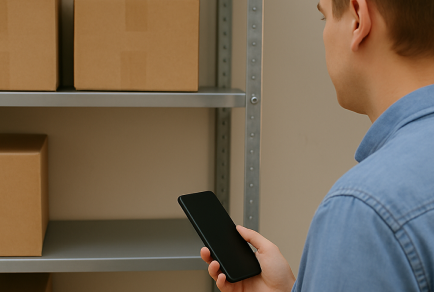
Report anything that’s missing
If a bag or parcel in your inventory never arrived, report it missing before the recipient is notified.
2b
Driver pick-ups
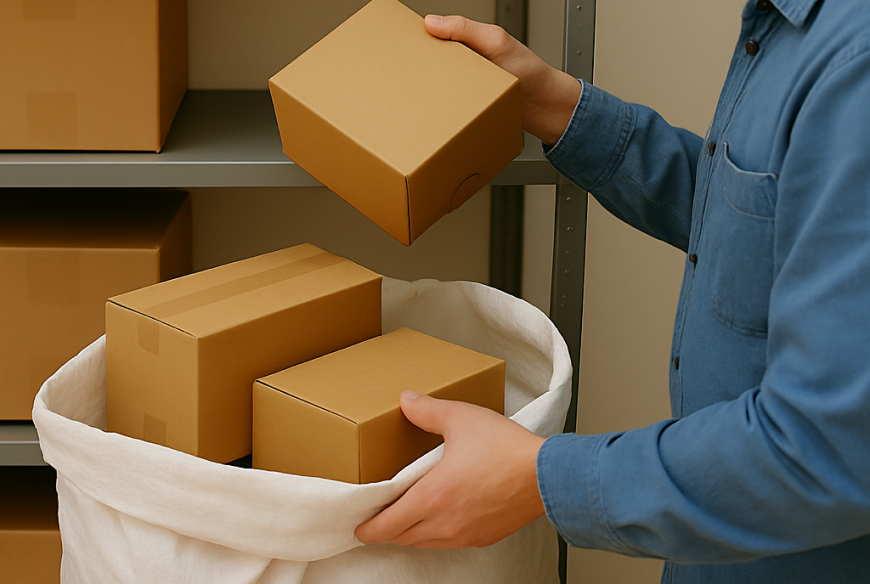
Prepare your bags
Parcels expire after 7 days and must be put in the bag for the driver. Check the inventory in your app for any parcels you need to prepare for the driver, and add them to the bag. If you can’t find any of these parcels, report it missing.
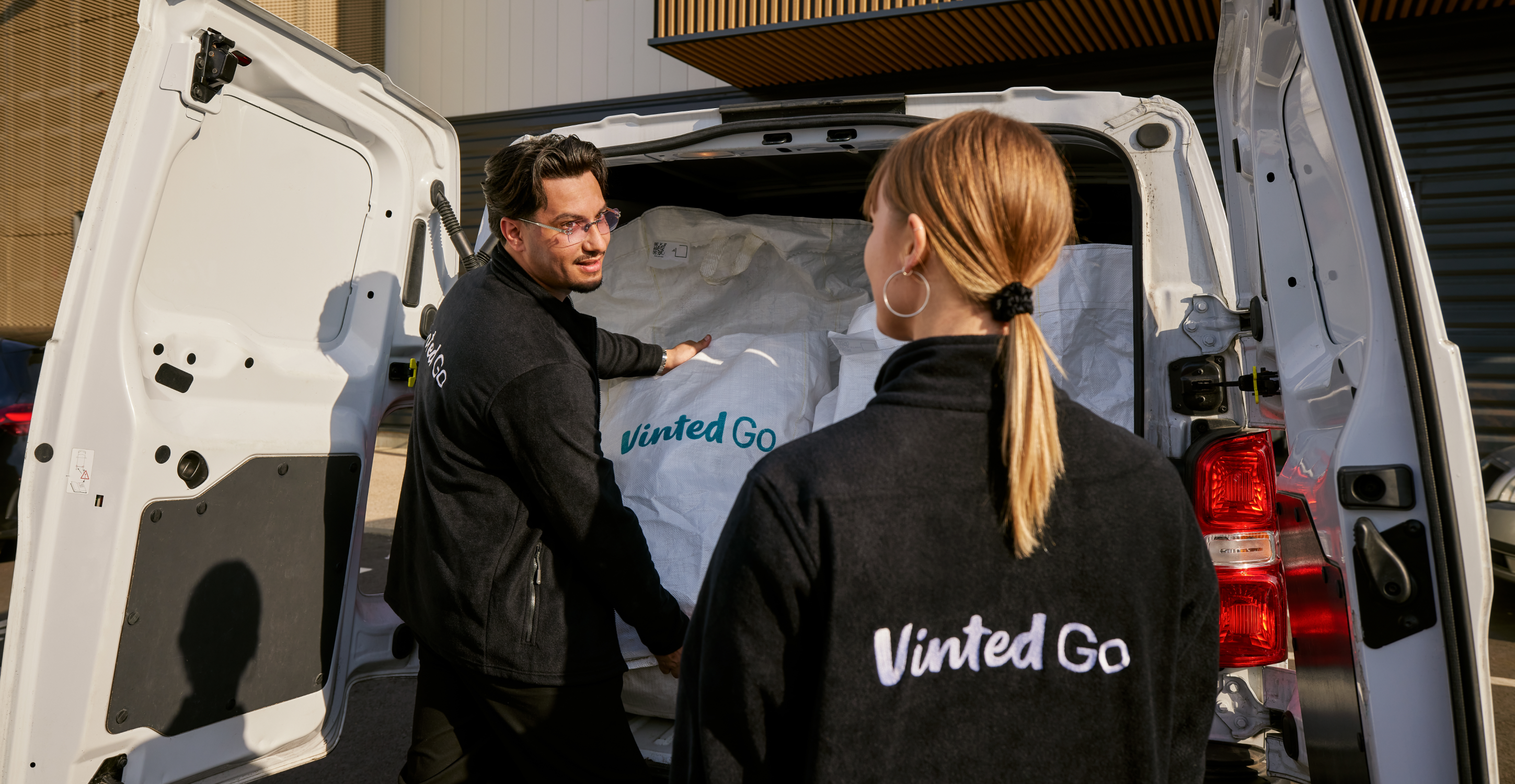
Hand off your bags
Parcels expire after 7 days and must be put in the bag for the driver. Check the inventory in your app for any parcels you need to prepare for the driver, and add them to the bag. If you can’t find any of these parcels, report it missing.
03
Customer visits
Customers will visit you during your opening hours to send or receive parcels.
3a
Customer drop-offs
Customers sending parcels may bring a shipping label on their phone or attached to their parcel.
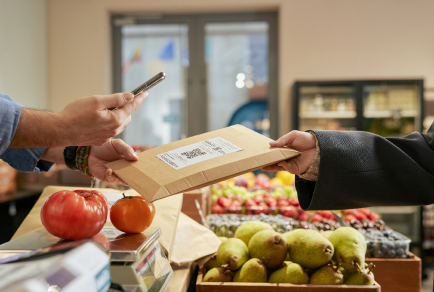
If scanning the parcel
Our app will let you know if you need to attach another label to the parcel, otherwise you’re all set.
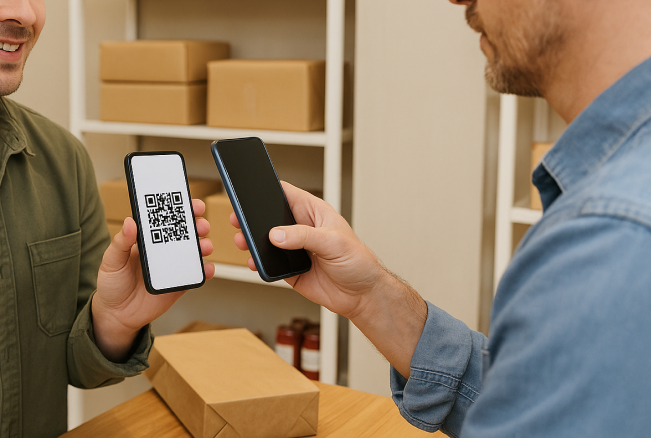
If scanning the sender’s phone
Attach a label to the parcel so we can keep track of it.
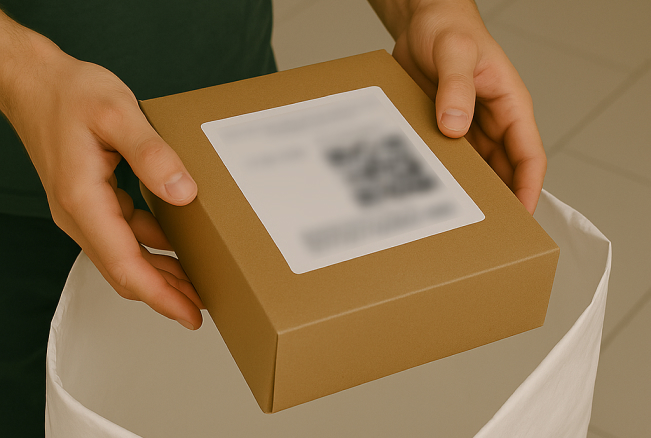
Then put the parcel in a bag
Keep filling your current bag for the driver and start a new one once it’s full.
Need more labels or bags?
You can request them right in the app and we’ll ship them to you.
3b
Customer pick-ups
Customers collecting parcels may have a pick-up code for you to scan or enter, or they may show their ID.
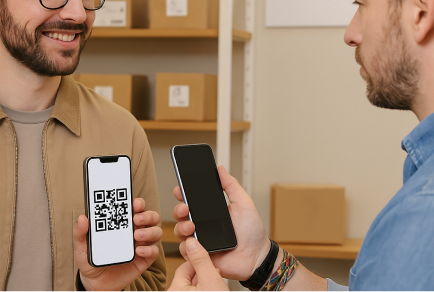
Identify the parcel
Scan the customer’s pick-up code to see the parcel or parcels they’re collecting. If you can’t scan the code, enter the pick-up code or recipient name instead.
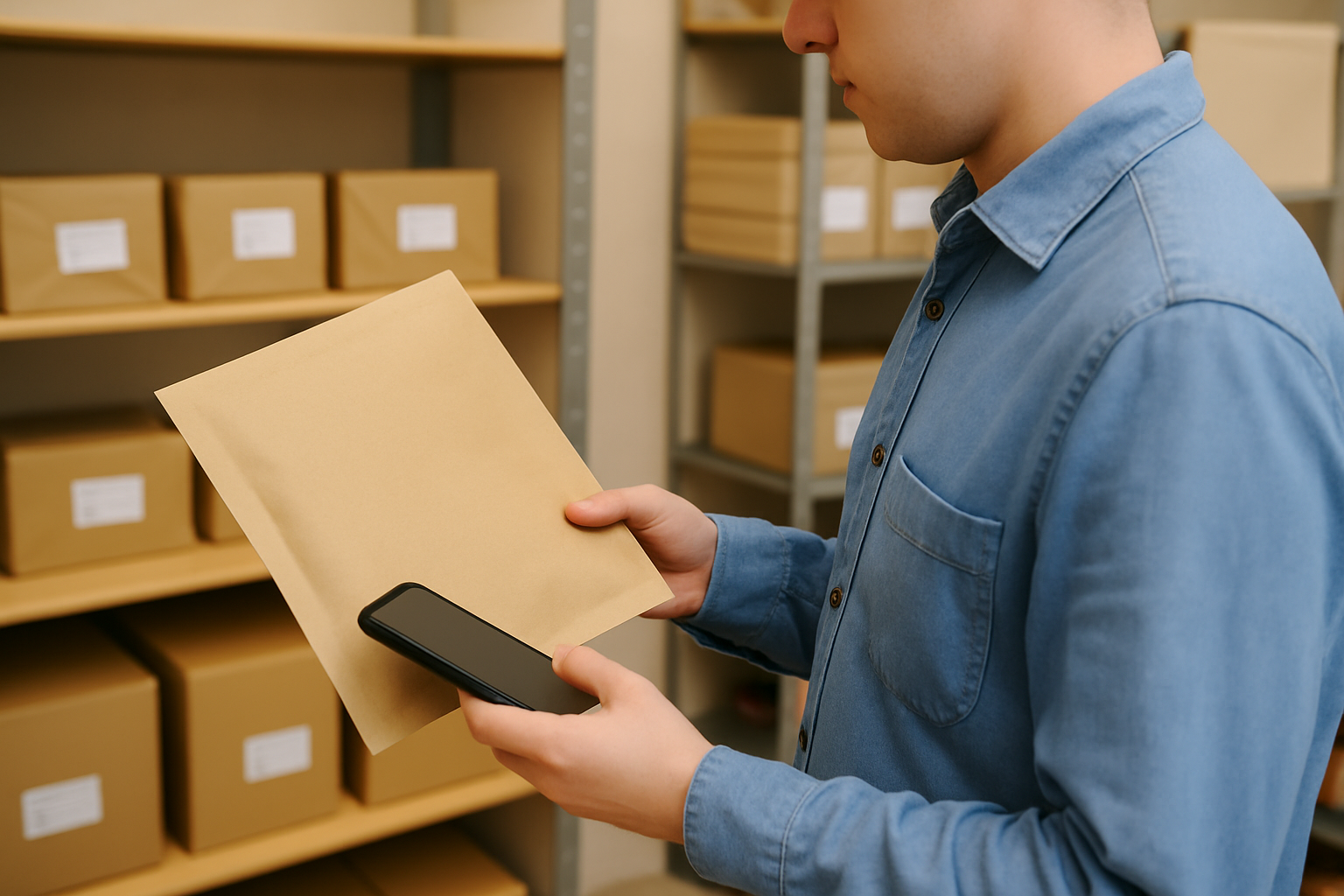
Find the parcel
Our app will list all parcels waiting for the same recipient after a single scan, so you can find them in the same trip.
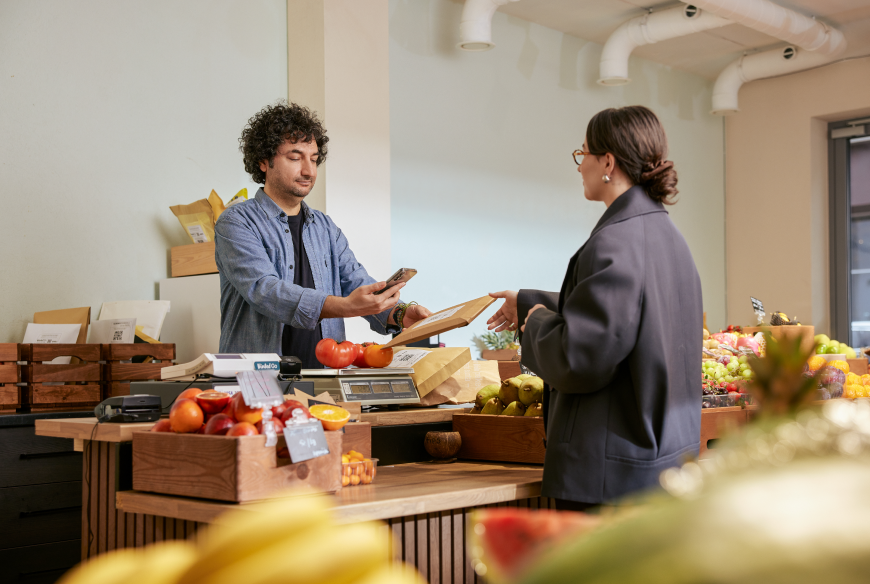
Deliver the parcel
Scan all parcels one at a time before giving them to the customer.
Let recipients know their parcel is waiting!
Scan every parcel the driver delivered as soon as possible, so we can let the recipient know it’s ready to collect.
04
App features
Stay in touch about when your shop is open, what supplies you need, and how well it’s performing.
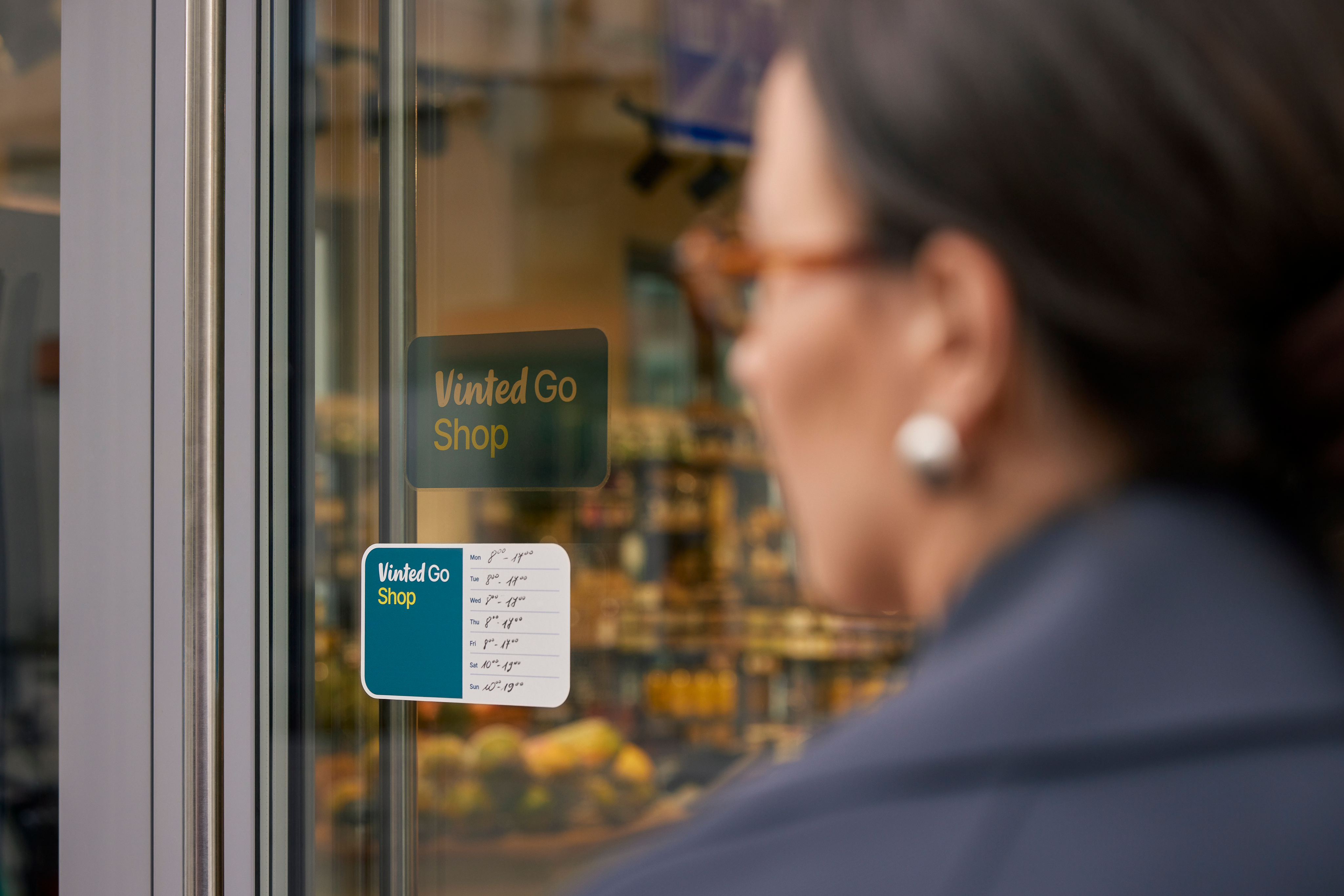
Set opening hours
Keep your regular hours updated so customers and drivers know when they can visit you. Remember to stay open at least 6 hours a day for at least 5 days a week.
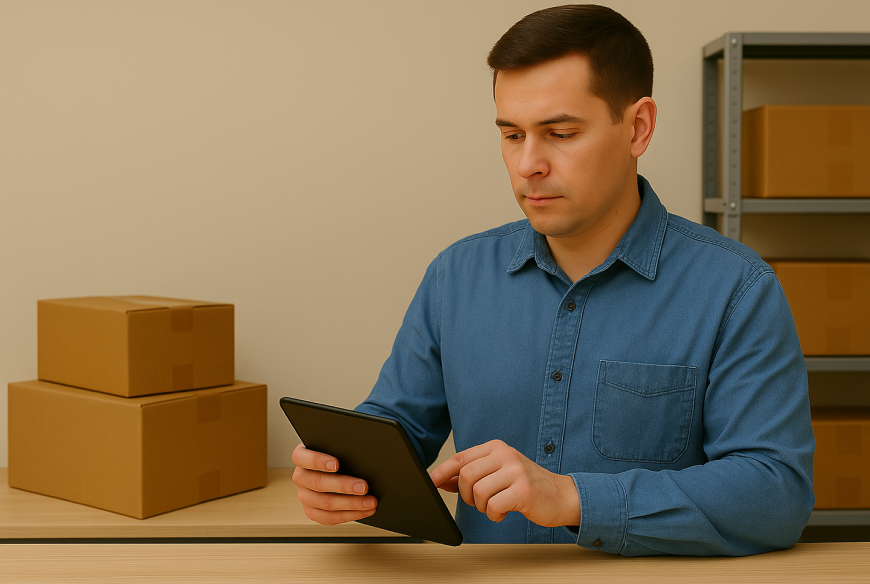
Request supplies
Let us know if you’re running low on bags, labels, or bag ties, and we’ll send you new ones within 3 days. Make sure to order in advance so you don’t run out!
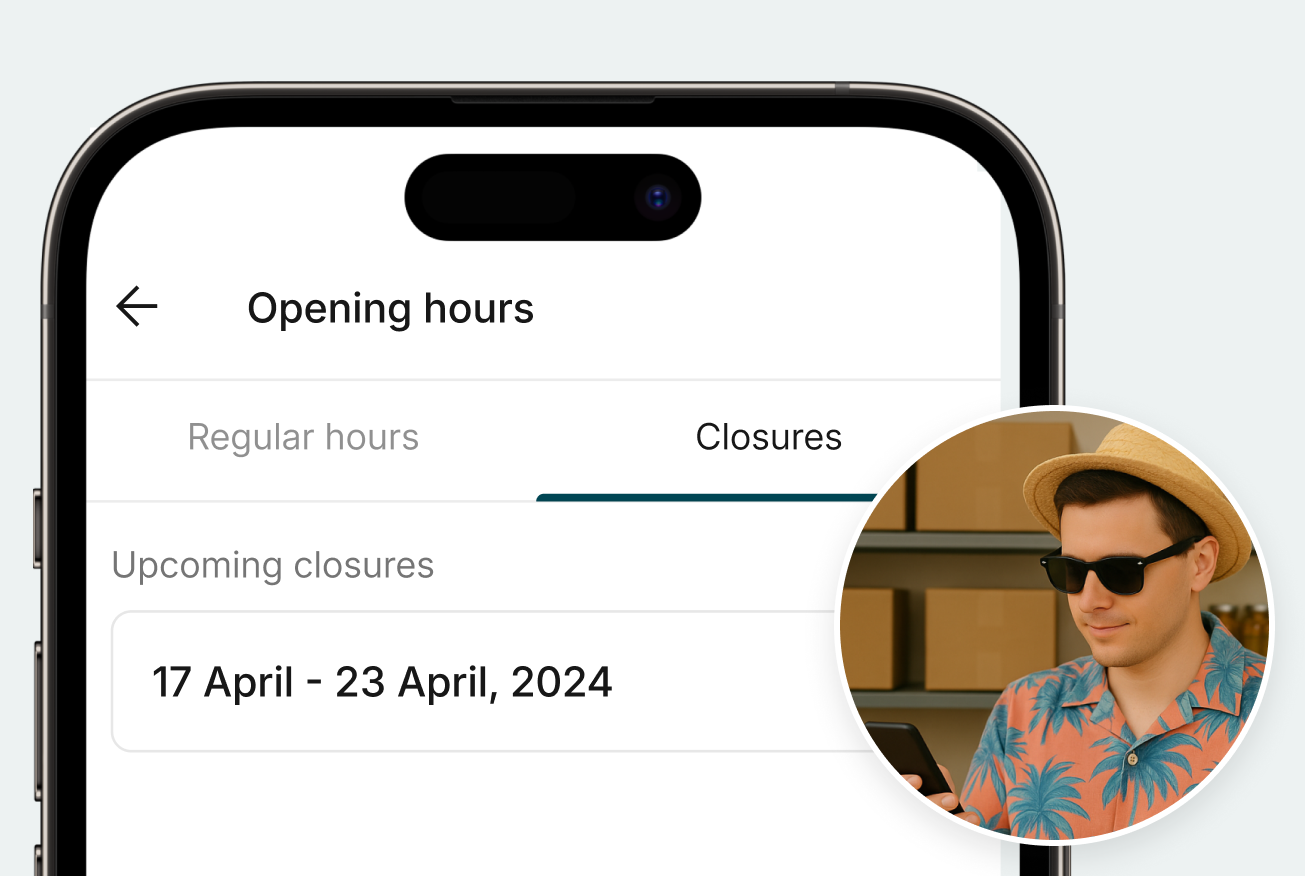
Schedule time off
If you’ll be closing your shop for a day or more, schedule your time off in the app to avoid parcels getting stuck there.
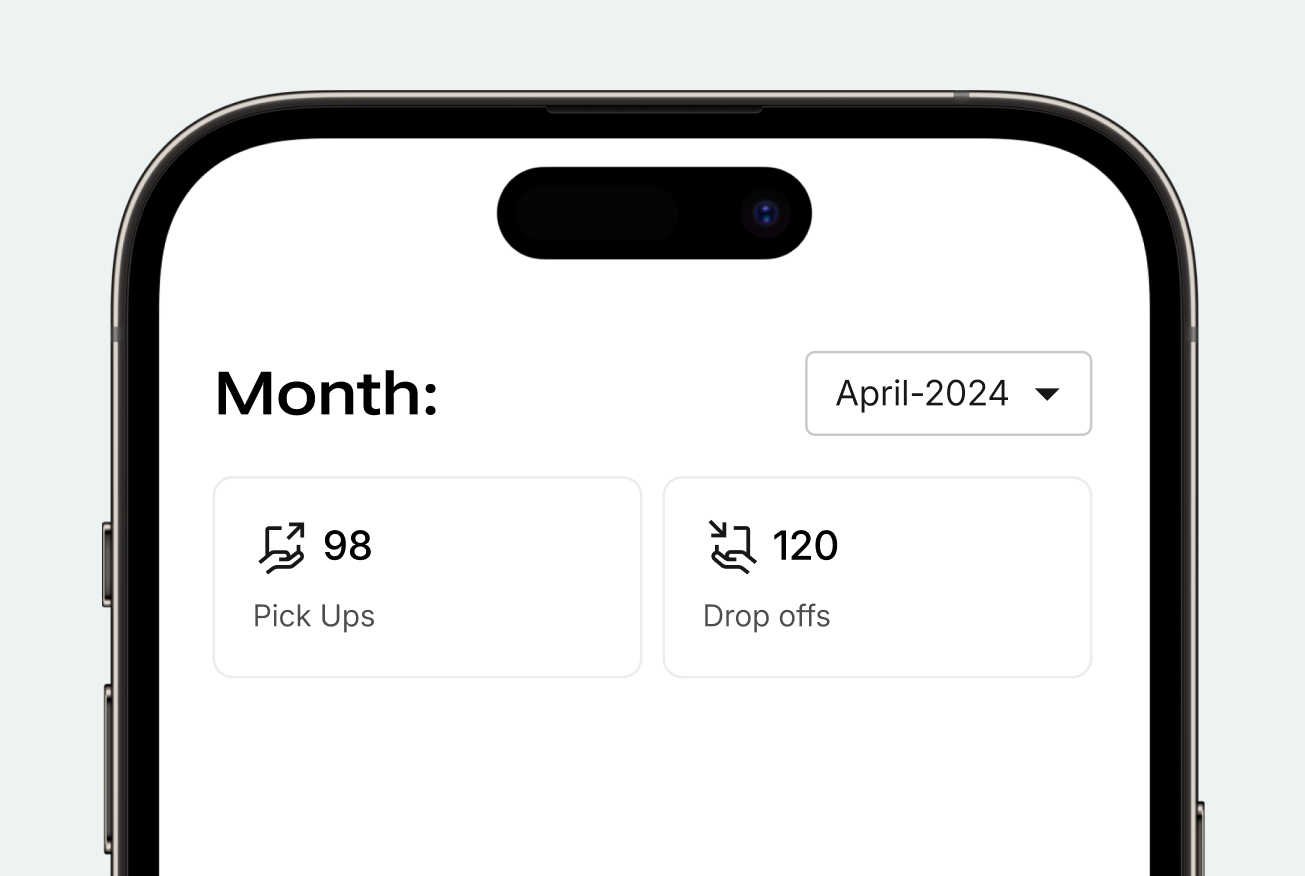
Performance and payments
See the parcels scanned at your shop this month and this year. Your parcel totals update once per day.
Monthly payments are automatically transferred to the bank account listed in your contract. Commission fees for operations are also detailed in the contract.
05
Contact us
Shop Support :
To find the most current customer service hours, just head over to your app and look under the shop support section
Working with Vinted Go
Get started as a Vinted Go location and keep up with your daily tasks.
The basics
Follow these guidelines to make sure we can track and pay you for every parcel.
Customer visits
- Scan all parcels immediately after taking them from the sender
- Scan all parcels before handing them to recipients. This is how we track and pay you for each parcel.
Driver visits
- Scan all bags immediately after taking them from the driver
- Scan all parcels in all bags within 48 hours
- Put all parcels waiting for a driver in bags for the next driver who visits
Your availability
- Stick to the opening hours we’ve agreed to in your contract
- Schedule time off in the app before closing your shop for a day or more
Contents
01
Get set up
02
Driver visits
03
Customer visits
04
App features
05
Contact us
01
Get set up
1a
Download the app
1b
Set up your app
- Check for an email from no-reply@vintedgo.com (sent to the email listed in your contract)
- Follow the password instructions
- Open the Vinted Go Shop app
- Log in with your email and newly created password
1c
Activate to get your first parcels
- Once you’re ready to start receiving parcels from customers and drivers, follow the instructions in the app to activate
- After activation, check your opening hours in the app to make sure they’re correct
1d
Place the stickers we sent you
Put our logo on your window or door, so customers know they’ve arrived at the right address.
Post your opening hours outside, so customers know when they can send and collect their parcels.
Write your contact information, so customers can reach out if they need help finding you.
Write any additional directions, so customers know where to find you inside the building.
Combine them to suit your space, and help customers find you at the right place and time.
02
Driver visits
Drivers will bring bags of parcels to and from your shop. There is no set schedule at the moment, and the frequency is based on parcel volume.
2a
Driver deliveries
Scan all bags first
Scan bags as soon as the driver delivers them. You have 48 hours to scan the parcels inside before we automatically notify recipients.
Scan all parcels
Scan each parcel to notify the recipient that it’s ready for pick-up. Assign each parcel to a zone or store it however makes sense for you.
Check your inventory
Check the inventory in your app to see if there are any parcels you still need to scan and prepare for the recipient.
Report anything that’s missing
If a bag or parcel in your inventory never arrived, report it missing before the recipient is notified.
2b
Driver pick-ups
Prepare your bags
Parcels expire after 7 days and must be put in the bag for the driver. Check the inventory in your app for any parcels you need to prepare for the driver, and add them to the bag. If you can’t find any of these parcels, report it missing.
Hand off your bags
Parcels expire after 7 days and must be put in the bag for the driver. Check the inventory in your app for any parcels you need to prepare for the driver, and add them to the bag. If you can’t find any of these parcels, report it missing.
03
Customer visits
Customers will visit you during your opening hours to send or receive parcels.
3a
Customer drop-offs
Customers sending parcels may bring a shipping label on their phone or attached to their parcel.
Put parcel in bag
Our app will let you know if you need to attach another label to the parcel, otherwise you’re all set.
If scanning the sender’s phone
Attach a label to the parcel so we can keep track of it.
Then put the parcel in a bag
Keep filling your current bag for the driver and start a new one once it’s full.
Need more labels or bags?
You can request them right in the app and we’ll ship them to you.
3b
Customer pick-ups
Customers collecting parcels may have a pick-up code for you to scan or enter, or they may show their ID.
Identify the parcel
Scan the customer’s pick-up code to see the parcel or parcels they’re collecting. If you can’t scan the code, enter the pick-up code or recipient name instead.
Find the parcel
Our app will list all parcels waiting for the same recipient after a single scan, so you can find them in the same trip.
Deliver the parcel
Scan all parcels one at a time before giving them to the customer.
Let recipients know their parcel is waiting!
Scan every parcel the driver delivered as soon as possible, so we can let the recipient know it’s ready to collect.
04
App features
Stay in touch about when your shop is open, what supplies you need, and how well it’s performing.
Set opening hours
Keep your regular hours updated so customers and drivers know when they can visit you. Remember to stay open at least 6 hours a day for at least 5 days a week.
Request supplies
Let us know if you’re running low on bags, labels, or bag ties, and we’ll send you new ones within 3 days. Make sure to order in advance so you don’t run out!
Schedule time off
If you’ll be closing your shop for a day or more, schedule your time off in the app to avoid parcels getting stuck there.
Performance and payments
See the parcels scanned at your shop this month and this year. Your parcel totals update once per day.
Monthly payments are automatically transferred to the bank account listed in your contract. Commission fees for operations are also detailed in the contract.
05
Contact us
Shop Support :
To find the most current customer service hours, just head over to your app and look under the shop support section
Working with Vinted Go
Get started as a Vinted Go location and keep up with your daily tasks.
The basics
Follow these guidelines to make sure we can track and pay you for every parcel.
Customer visits
- Scan all parcels immediately after taking them from the sender
- Scan all parcels before handing them to recipients
Driver visits
- Scan all bags immediately after taking them from the driver
- Scan all parcels in all bags within 48 hours
- Put all parcels waiting for a driver in bags for the next driver who visits
Your availability
- Stick to the opening hours we’ve agreed to in your contract
- Schedule time off in the app before closing your shop for a day or more
Contents
01
Get set up
02
Driver visits
03
Customer visits
04
App features
05
Contact us
01
Get set up
1a
Download the app
1b
Set up your app
- Check for an email from no-reply@vintedgo.com (sent to the email listed in your contract)
- Follow the password instructions
- Open the Vinted Go Shop app
- Log in with your email and newly created password
1c
Activate to get your first parcels
- Once you’re ready to start receiving parcels from customers and drivers, follow the instructions in the app to activate
- After activation, check your opening hours in the app to make sure they’re correct
1d
Place the stickers we sent you
Put our logo on your window or door, so customers know they’ve arrived at the right address.
Post your opening hours outside, so customers know when they can send and collect their parcels.
Write your contact information, so customers can reach out if they need help finding you.
Write any additional directions, so customers know where to find you inside the building.
Combine them to suit your space, and help customers find you at the right place and time.
02
Driver visits
Drivers will bring bags of parcels to and from your shop. There is no set schedule at the moment, and the frequency is based on parcel volume.
2a
Driver deliveries
Scan all bags first
Scan bags as soon as the driver delivers them. You have 48 hours to scan the parcels inside before we automatically notify recipients.
Scan all parcels
Scan each parcel to notify the recipient that it’s ready for pick-up. Assign each parcel to a zone or store it however makes sense for you.
Check your inventory
Check the inventory in your app to see if there are any parcels you still need to scan and prepare for the recipient.
Report anything that’s missing
If a bag or parcel in your inventory never arrived, report it missing before the recipient is notified.
2b
Driver pick-ups
Prepare your bags
Check the inventory in your app for any expired parcels to prepare for the driver, and add them your current bag.
Hand off your bags
Give all prepared bags to every driver who visits. You don’t need to scan these bags first.
03
Customer visits
Customers will visit you during your opening hours to send or receive parcels.
3a
Customer drop-offs
Customers sending parcels may bring a shipping label on their phone or attached to their parcel.
If scanning the parcel
Our app will let you know if you need to attach another label to the parcel, otherwise you’re all set.
If scanning the sender’s phone
Attach a label to the parcel so we can keep track of it.
Then put the parcel in a bag
Keep filling your current bag for the driver and start a new one once it’s full.
Need more labels or bags?
You can request them right in the app and we’ll ship them to you.
3b
Customer pick-ups
Customers collecting parcels may have a pick-up code for you to scan or enter, or they may show their ID.
Identify the parcel
Scan the customer’s pick-up code to see the parcel or parcels they’re collecting. If you can’t scan the code, enter the pick-up code or recipient name instead.
Find the parcel
Our app will list all parcels waiting for the same recipient after a single scan, so you can find them in the same trip.
Deliver the parcel
Scan all parcels one at a time before giving them to the customer.
Let recipients know their parcel is waiting!
Scan every parcel the driver delivered as soon as possible, so we can let the recipient know it’s ready to collect.
04
App features
Stay in touch about when your shop is open, what supplies you need, and how well it’s performing.
Set opening hours
Keep your regular hours updated so customers and drivers know when they can visit you. Remember to stay open at least 6 hours a day for at least 5 days a week.
Request supplies
Let us know if you’re running low on bags, labels, or bag ties, and we’ll send you new ones within 3 days. Make sure to order in advance so you don’t run out!
Schedule time off
If you’ll be closing your shop for a day or more, schedule your time off in the app to avoid parcels getting stuck there.
Performance and payments
See the parcels scanned at your shop this month and this year. Your parcel totals update once per day.
Monthly payments are automatically transferred to the bank account listed in your contract. Commission fees for operations are also detailed in the contract.
05
Contact us
Shop Support :
To find the most current customer service hours, just head over to your app and look under the shop support section